- Published on
Building OnTrack Mobile Apps With AI: Coding Fast, Releasing Slow
- Authors

- Name
- Aymeric Chalochet
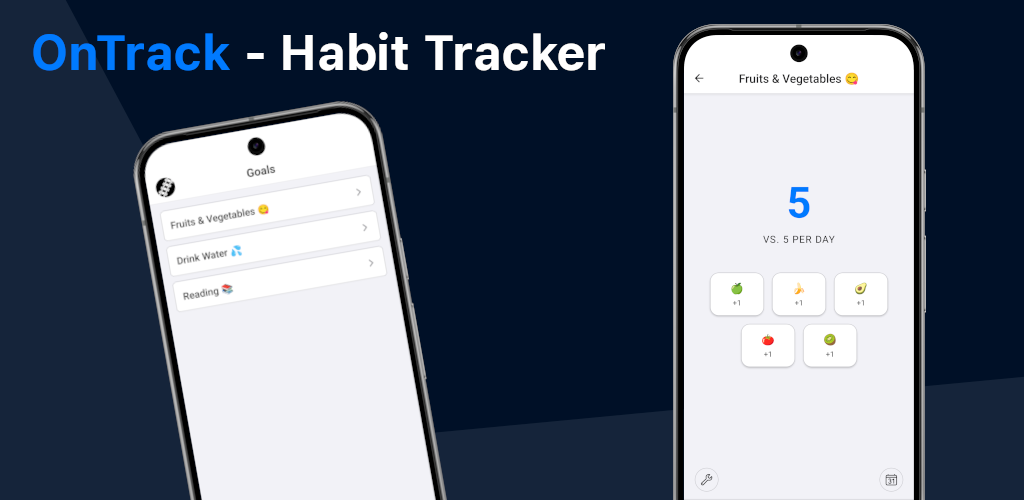
Building OnTrack Mobile Apps With AI: Coding Fast, Releasing Slow
Building my own mobile app has been a goal of mine for a few years now. Working alongside iOS and Android engineers building one of Japan’s most popular mobile apps made me want to hands-on what it takes to release mobile apps on both platforms.
Additionally, AI coding tools improved greatly throughout 2025. This project would help me experiment with a couple of options, Claude Code and Google Antigravity, which had just come out, to speed up the process. I also intended to keep budgets tight and release the apps spending as little as possible.
My goals for this project:
- Get hands-on experience of Google and Apple’s mobile app release processes.
- Experiment with Claude Code and Google Antigravity.
- Challenge claims from no-code platforms that apps can be released in minutes, when in fact they mean web apps.
I went with one of the most common beginner projects: a habit tracker. It starts with a limited feature set, stores everything locally without a backend, requires no authentication, and keeps non-critical user data securely on the device.
The Tech Stack: Why React Native?
OnTrack is built using React Native with Expo and TypeScript.
Before AI made building green field projects so fast, using separate native stacks (Swift/SwiftUI for Apple, and Kotlin/Jetpack Compose for Google) was off the table. Even with AI, the goal wasn't to learn language intricacies, but to save time by building apps for iOS, Android, and the web with a single codebase rather than three.
I chose React Native over Flutter for a few key reasons:
- Programming Language: Flutter uses Dart, while React Native uses TypeScript/JavaScript, which is used in nearly every web project.
- Learning React & TypeScript: I wanted to learn about React and TypeScript, which are heavily used in web development. React Native's architecture is close enough to React that the concepts transfer over nicely.
- AI Performance: Language popularity is a factor in how Large Language Models perform; the more data they are trained on, the better they are supposed to perform.
- Industry Adoption: React Native is the framework of choice at Meta, Microsoft, Amazon, and Shopify, meaning it has the most career upside.
- Native UI: React Native builds to platform-native components, whereas Flutter relies on its own UI widgets.
The AI Coding Experience
Going Nowhere with Google Antigravity
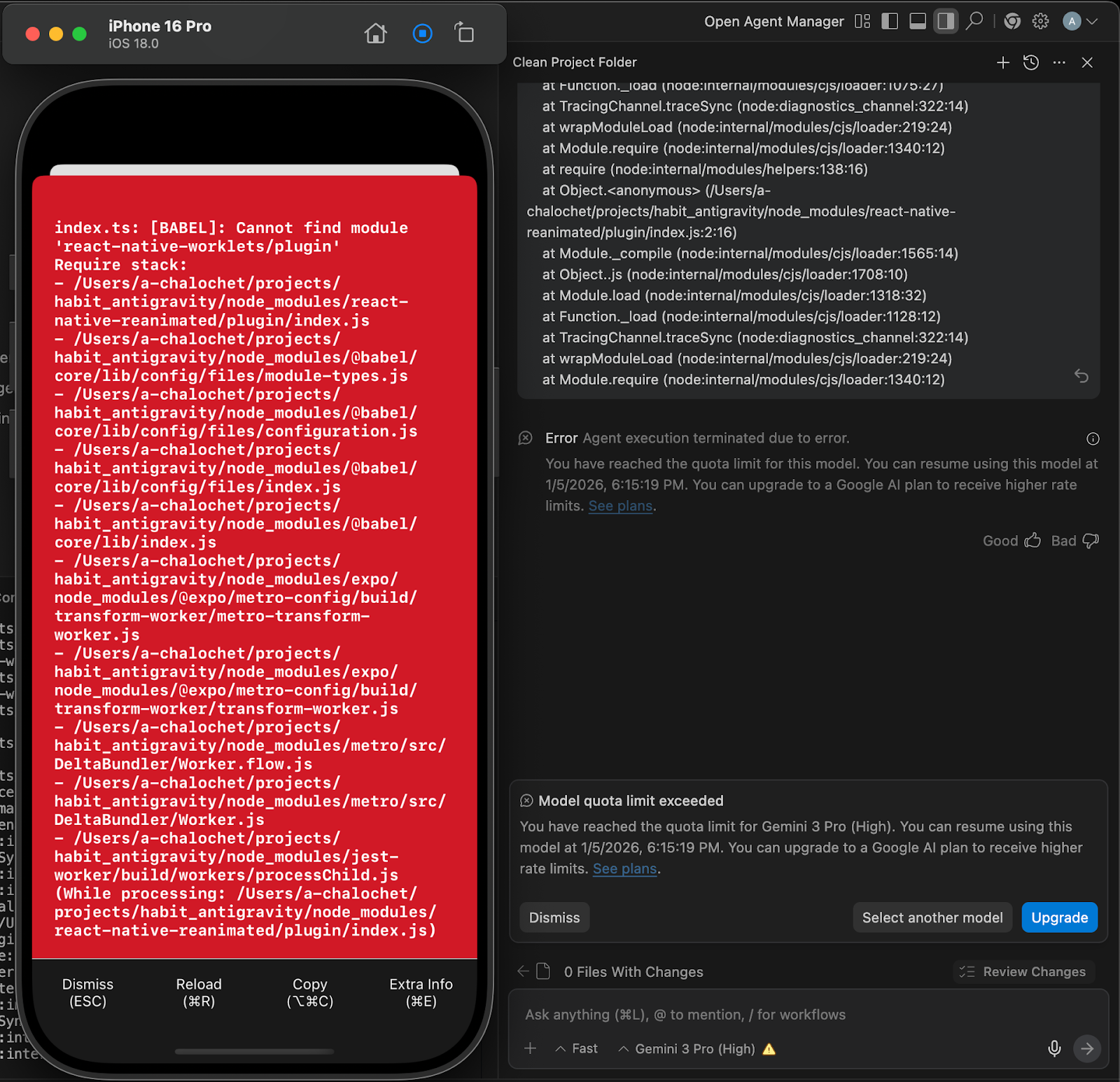
I added Antigravity to my list because it came out just a few weeks prior to the end of the year break. I gave it a fairly lengthy prompt to create an implementation plan, which it generated successfully.
Next, I told Antigravity to start with the first step and stop there. Instead, it ran full steam ahead, building every single step without interruption. After half an hour, it announced it was finished, but the app wouldn't even launch. A second clean attempt yielded the exact same result: a broken app and another half hour of back and forth.
Finding Success with Claude Code
I decided to use Claude Code in the terminal. As Steve Yegge put it, “If you’ve got an IDE open, you’re looking at source code, you’re doing it wrong”. I immediately liked the terminal experience; it allowed me to read what the tool was doing, though I still kept my IDE open to peek at the code occasionally.
Claude successfully followed my instructions, pausing after the first step. When I asked it to build the home page, it built things for a few minutes, and the app ran immediately on both iOS and Android.
Localization & The Language Picker Component
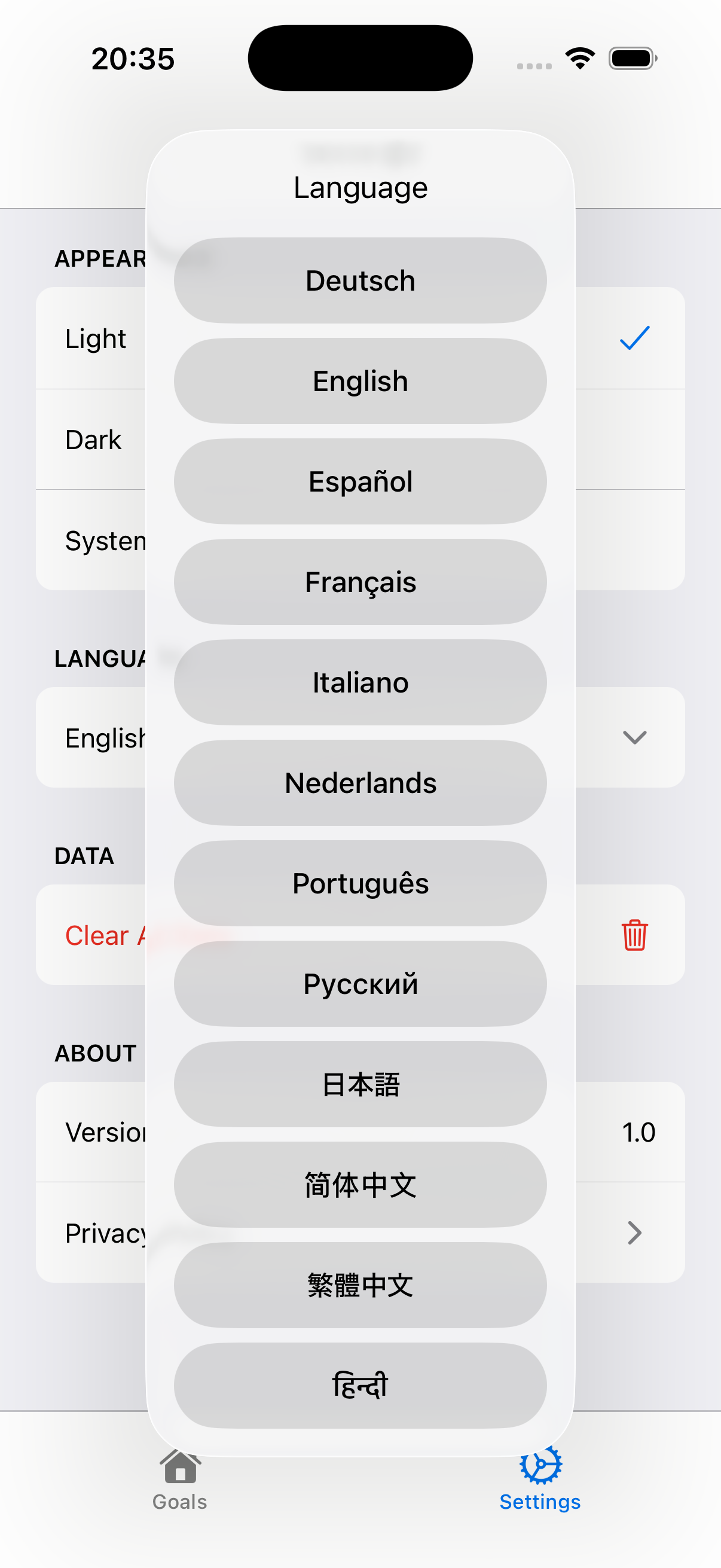
For multilingual support, I had previously tried LinguiJS, but it felt like too heavy of a process due to the additional tooling. Claude recommended i18next, and it was super easy to add and fix translations for the 12 languages.
However, building the language picker component with Claude was a struggle. Claude initially tried using the SwiftUI Picker with pull-down, which didn't work because it couldn't display all the values. It then implemented a DatePicker wheel as a bottom sheet, but the UI was clunky. I eventually gave Claude an image of a picker I liked, and it successfully built it.
Building for Web
Once I built a simple version of the apps that worked, I decided to try if it would work on the web. Claude Code fixed the initial failures easily. React Native for Web still requires regular special treatment; the codebase is now full of if (Platform.OS === 'web') because Claude Code regularly points out that specific libraries need a different implementation for the web. Ultimately, the web version is live and accessible at ontrack.aymeric.fyi.
The Final Bill
The total token cost for building the basic app was around $50, and it cost roughly $150 overall to get to the final released version, all covered by my employer's learning budget 🙏.
The Release Process: Apple vs. Google
Developer Accounts & Application Details
Google's setup was fairly simple and cost a one-time fee of $25.
Apple's process was confusing, spread across multiple websites (account.apple.com, developer.apple.com, appstoreconnect.apple.com), and cost ¥12,980 per year, in Japan, roughly $84 instead of $99 in the US.
Both platforms require filling out extensive questionnaires about the app, including the purpose, category, data safety, content ratings, and export compliance. They also require to host a publicly accessible Privacy Policy.
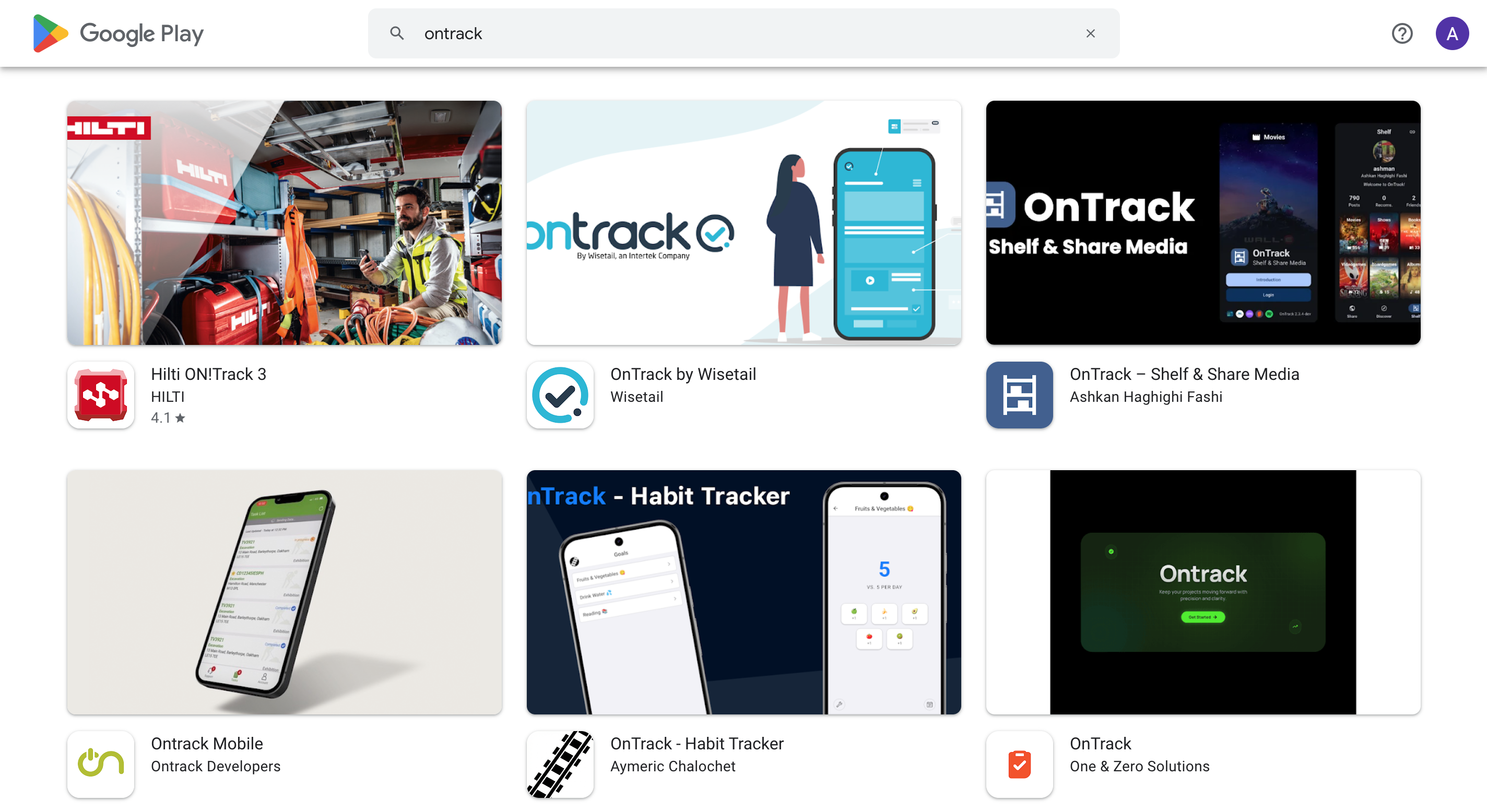
Apple requires that the app name be unique across their entire worldwide catalog. Since "OnTrack" was already taken, its official name became "OnTrack - Habit Tracker".
Both platforms have differences in text length requirements for app descriptions. I used a helpful Google Spreadsheet to translate each element using the GOOGLETRANSLATE formula. This process went pretty quickly.
Signing, Binary Uploads, and Assets
- Signing & Uploads: I used Expo's cloud signing process, which made securely storing keys and releasing smooth. Uploading a build from Expo to Apple was automated. For Google, I didn't trust Expo enough to provide my Google credentials, so I resorted to uploading the app builds manually.
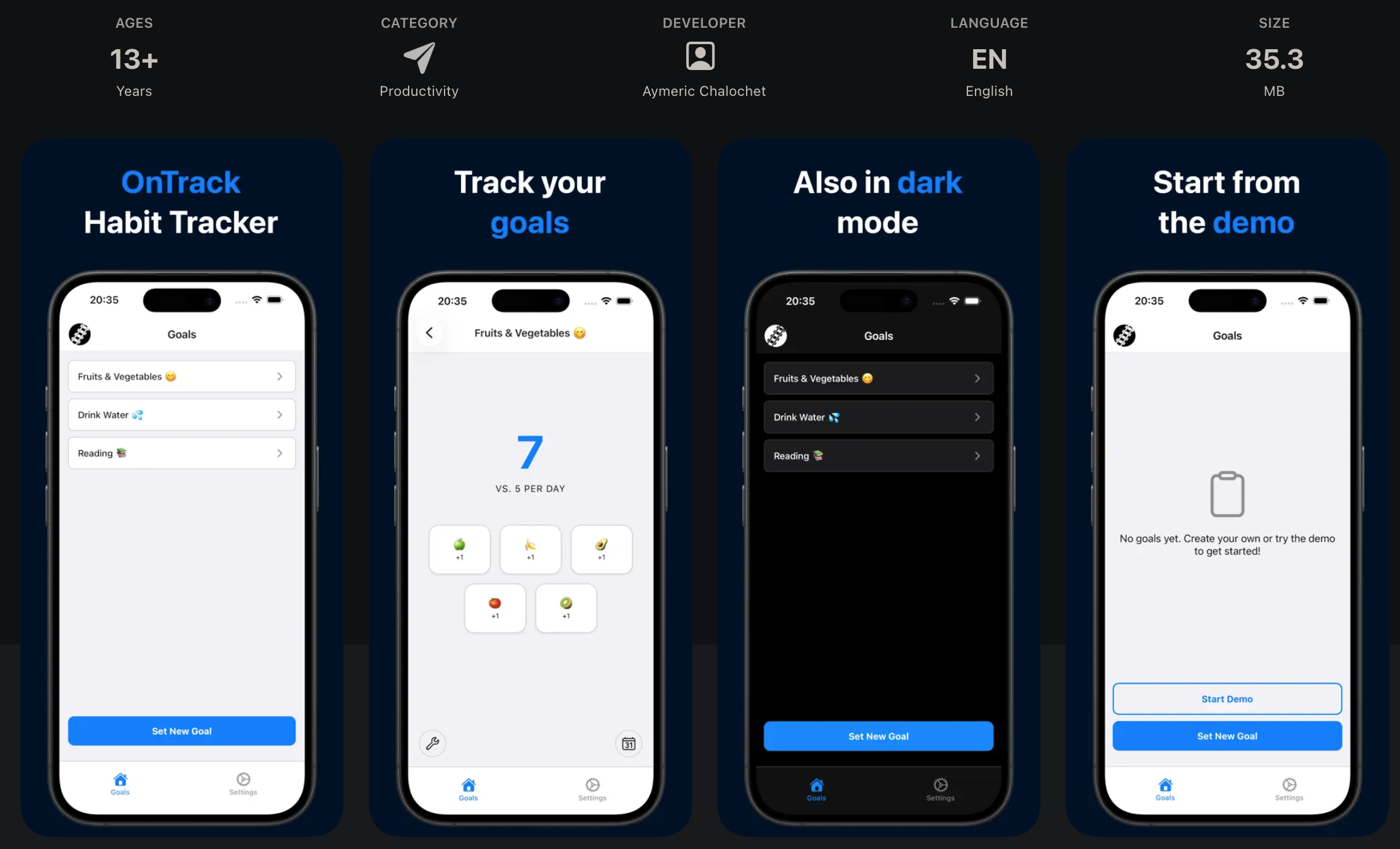
- Screenshots: Producing assets was a massive time sink. I wanted the screenshots displayed inside a phone's frame with a small sentence. Dedicated services had varying free tiers or required subscriptions for something I'd rarely update. Instead, I created free templates using GIMP, a free and open-source editor. It took around 18 hours to produce screenshots across phone and tablet devices, iOS and Android platforms, and in nine languages. I will publish a dedicated article with the GIMP templates and process separately.
- Feature Graphic: Google also requires an additional 1024x500 Android Feature Graphic, which I also created in GIMP. Oddly enough, Google doesn't respect the display size they actually require when displaying the feature graphic in the Play Store search results.
Review and Publishing
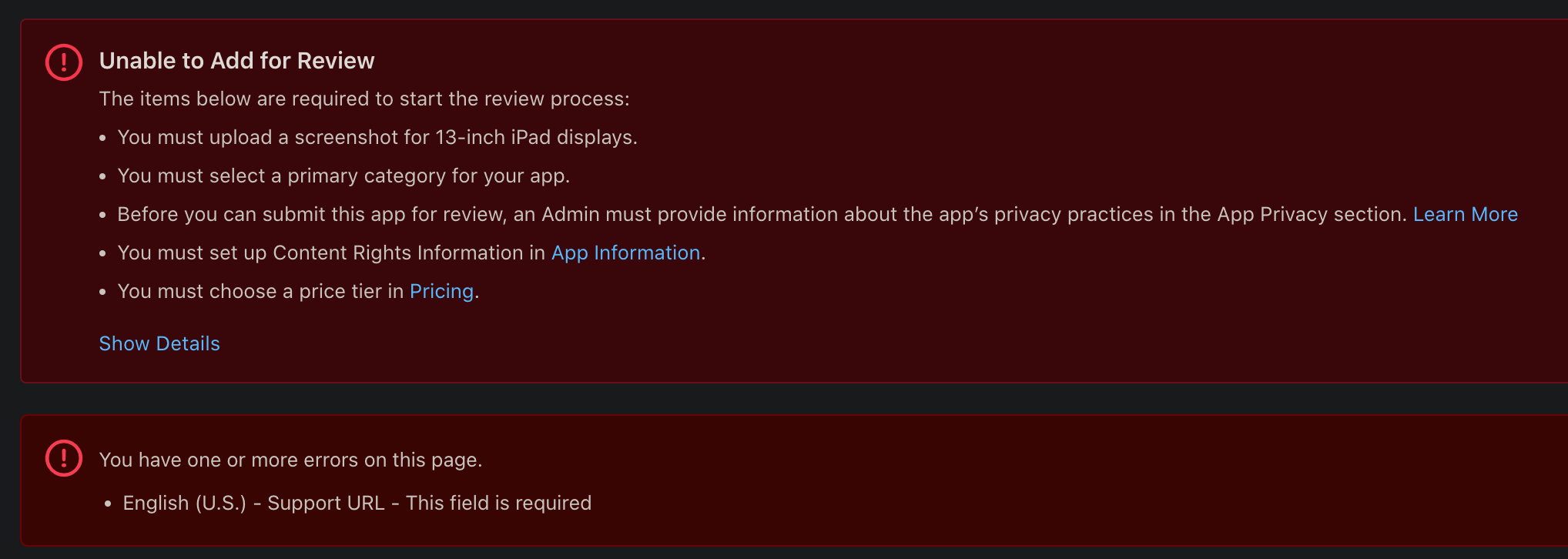
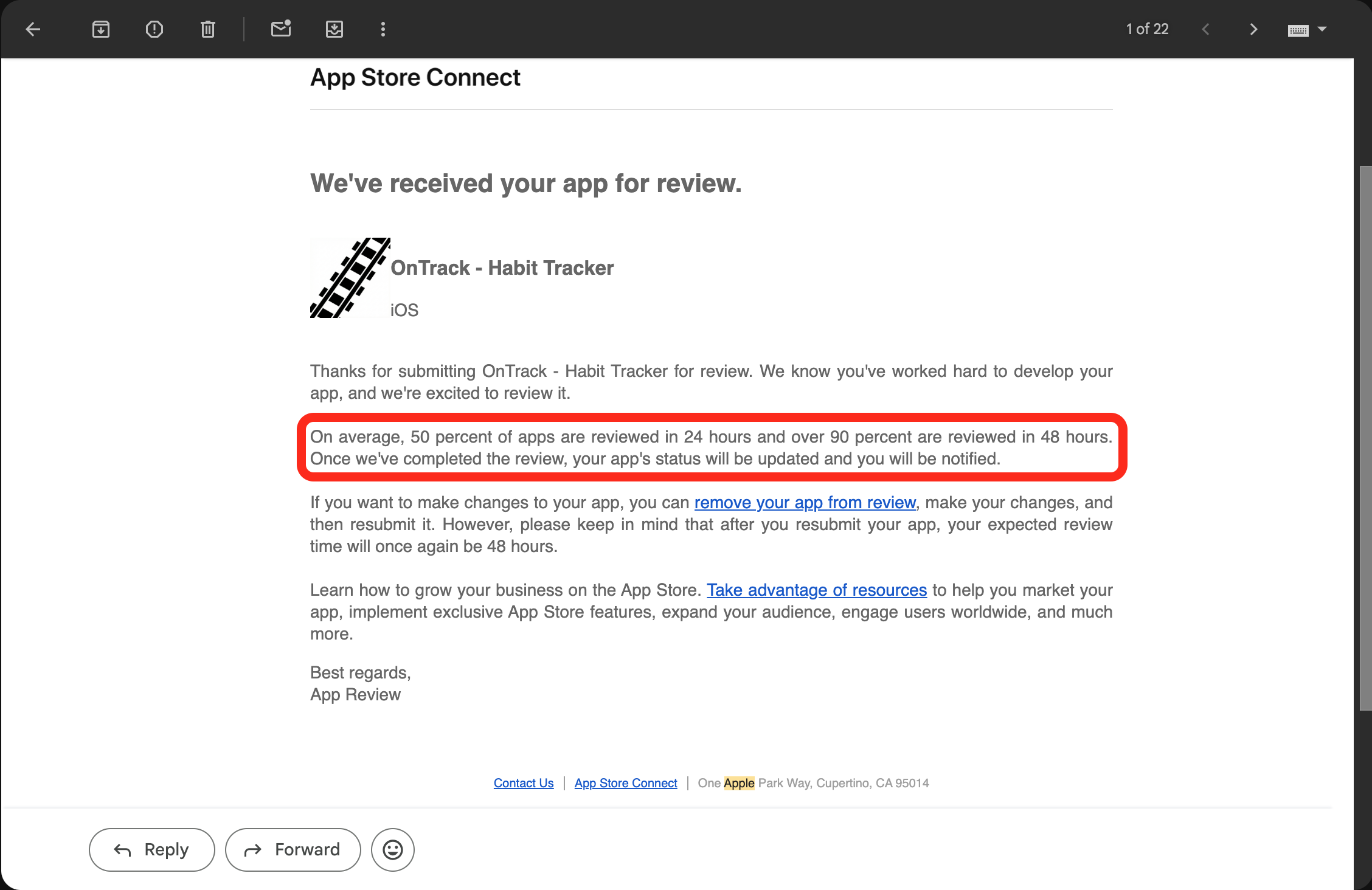
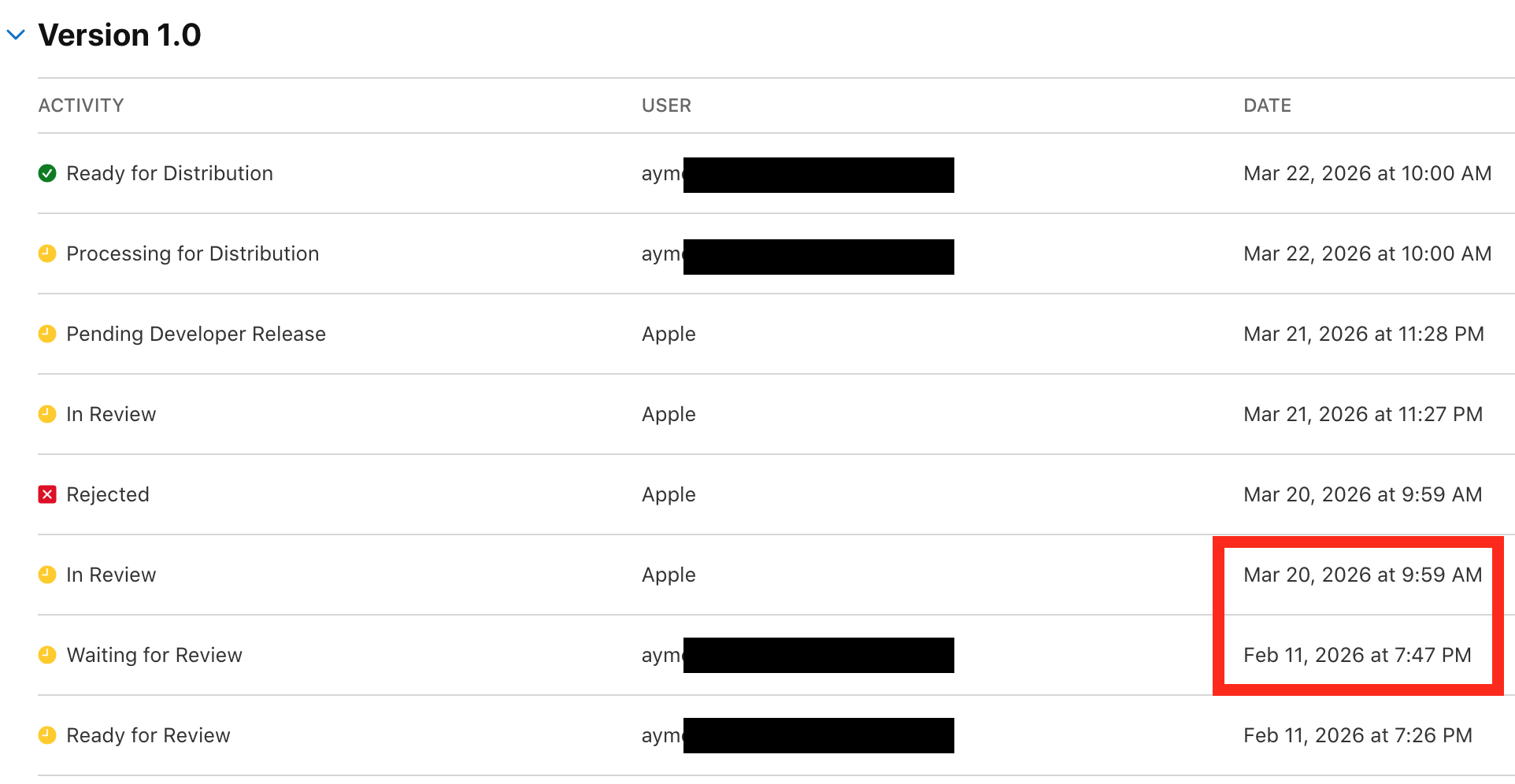
Creating a release in Apple's TestFlight beta process was straightforward. However, the actual review process before production release was maddening. Apple claims that 90% of apps are reviewed in 48 hours, which turned out to be highly inaccurate. The app was submitted for review on February 11th. After nearly a month without any update, I submitted a customer support request on March 8th gently asking if I missed something. I got an answer on March 19th. The tone of the support email was quite condescending, explaining they were granting me an exceptional favor by moving my review to the expedited review track. The first review came on March 20th and the app was initially rejected for not having provided a video of the app running on a device, although that field is optional in their submission process. After providing the demo video, the app was finally approved on March 22nd.
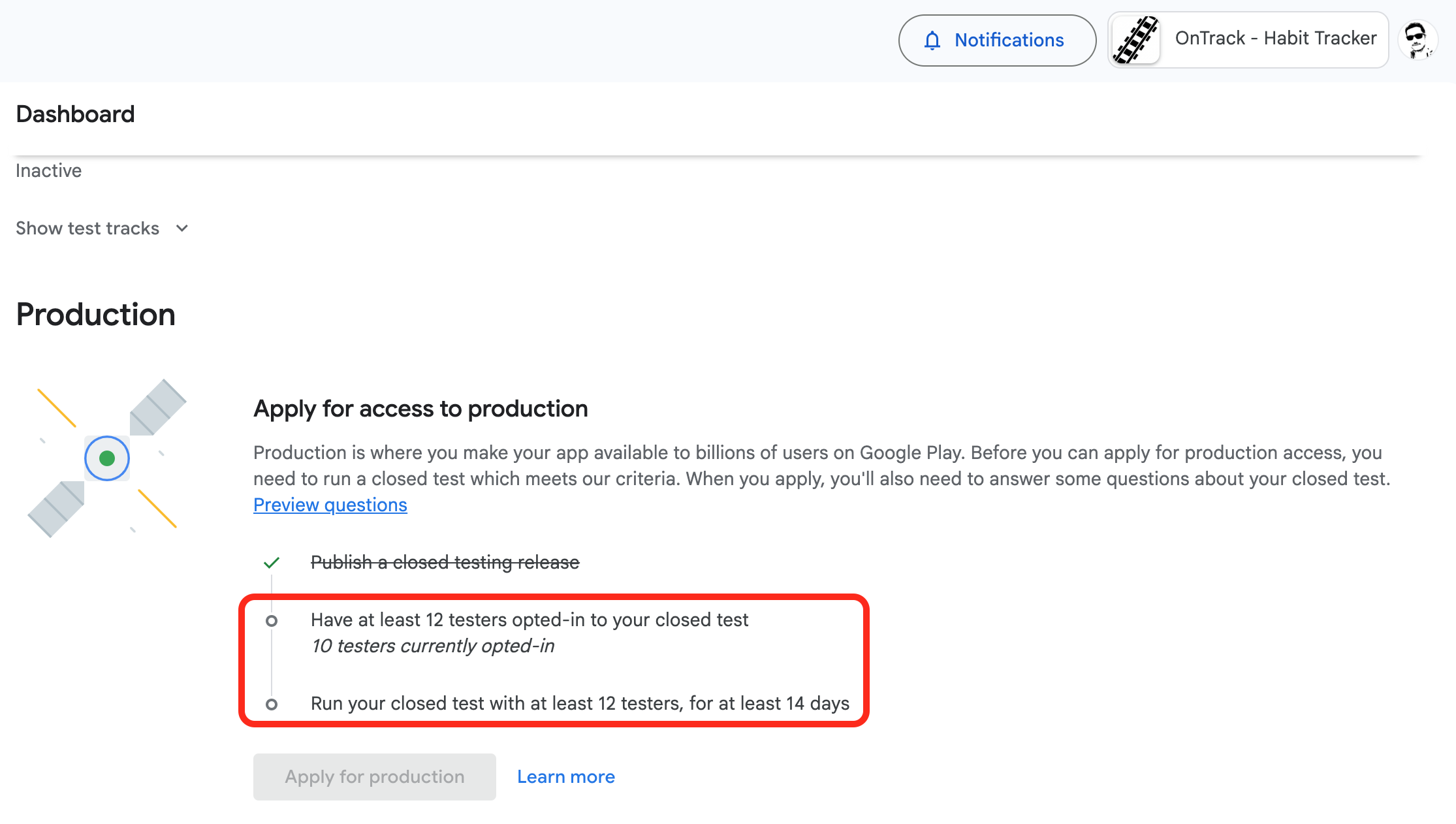
Google requires new developer accounts to go through a 14-day closed testing phase with 12 people before publishing. Finding 12 testers takes time, so I requested family members, friends, and colleagues to join. After clearing that hurdle, Google review process was actually fairly quick, responding within 24h of submissions. Google rejected the app twice over minor health category misconfigurations before finally approving it on the third attempt.
Final Thoughts
When I started this project, my usage of AI development tools was still basic, mostly prompting and waiting for results. This project helped me onboard, I increased my usage since, and changed my practice, experimenting with rules, skills and MCPs. Claude Code is by far my favorite new tool now.
While building an app with AI is incredibly fast, the initial app release flow remains extremely slow in comparison. At least I achieved my goal of experiencing the mobile app release process.
OnTrack's code is publicly available on GitHub.
The web app is accessible at ontrack.aymeric.fyi and the mobile apps can be downloaded from the links below.